



The best AI tools for nonprofits save your team 5–10 hours a week on grant research, donor follow-up, and content. Start with one free or low-cost tool, protect donor data, and keep a human in every final decision. Below is what works, what it costs in USD, and the mistakes that sink most rollouts.
Picture this. It’s 9:40 p.m. on a Tuesday. Your development director is still at her desk, eating cold pad thai and rewriting the same grant narrative for the fourth time. Sound familiar? You’re not alone. Americans gave a record $617.2 billion in 2025, according to Giving USA 2026 data summarized by Candid. Yet most small teams feel like they’re getting less of that money, not more. That’s where AI tools for nonprofits come in. They won’t replace your people. They give your people their evenings back. This guide breaks down the tools, the real costs, and the traps. Let’s get into it.
What Are AI Tools for Nonprofits (and Why Do They Matter in 2026)?
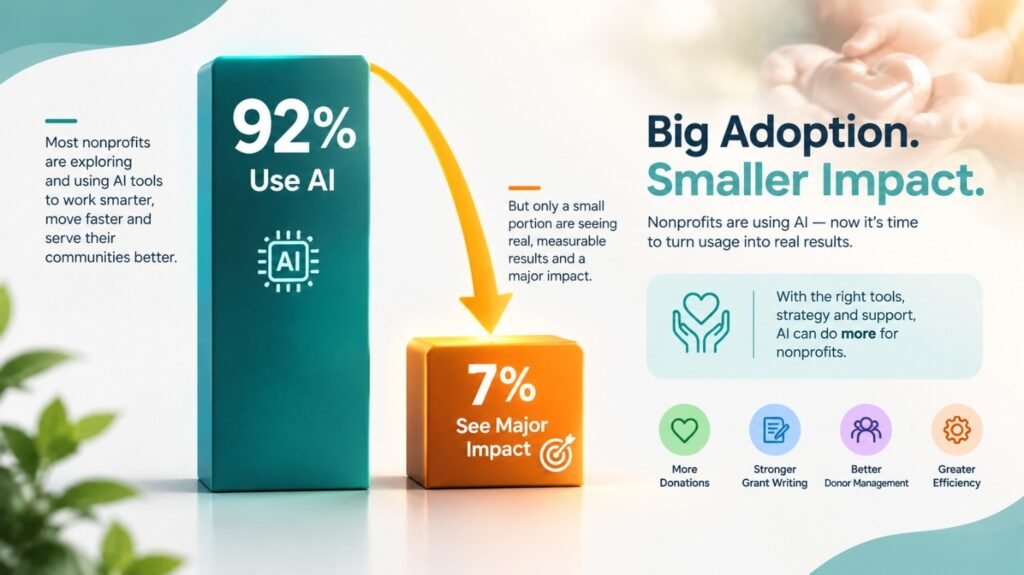
AI tools for nonprofits are software products that use artificial intelligence to speed up fundraising, grant writing, donor management, and communications. They draft text, find funders, score donors, and automate repetitive tasks. Here’s the part most people miss: adoption is already almost universal. The 2026 Nonprofit AI Adoption Report from Virtuous and Fundraising.AI surveyed 346 organizations in December 2025. It found that 92% use AI in some capacity. But here’s the catch. Nonprofit Pro’s coverage of the same report shows only 7% report major strategic impact. Just 4% have documented, repeatable workflows. Translation: almost everyone is using AI. Very few are using it well. That gap is your opportunity.
Why 2026 Is Different for Nonprofit Teams
Three shifts are driving this.
- Individual giving keeps shrinking as a share. It fell from 67% in 2023 to 64% in 2025, per the same Candid summary.
- Staff budgets stay flat. Costs rise, headcount doesn’t.
- Free and discounted AI is everywhere. Google, Microsoft, and Canva all offer nonprofit pricing.
So the question isn’t “should we use AI?” It’s “which tools, and how do we avoid a mess?”
Which AI Tools for Nonprofit Organizations Are Worth Your Money?
The right pick depends on your biggest bottleneck: finding funders, writing proposals, or keeping donors. Here’s a side-by-side view of the tools I’d shortlist.
| Tool | Best For | AI Strength | Approx. Starting Cost (USD) | Learning Curve |
|---|---|---|---|---|
| Candid Fundraising Assistant | Funder research, LOI drafts | Grounded in real grants data | Requires Candid search plan | Easy |
| Gemini (Google for Nonprofits) | Everyday drafting, summaries | Built into Workspace | $0 for eligible orgs (verify tier) | Easy |
| Microsoft Copilot | Orgs already on Microsoft 365 | Docs, Excel, Outlook help | Discounted per-user pricing | Medium |
| ChatGPT / Claude | Flexible writing and analysis | Strong drafting, brainstorming | ~$20/user/month | Easy |
| Instrumentl | Grant discovery and tracking | Funder matching | ~$180+/month | Medium |
| Bloomerang | Donor retention | Giving insights, scoring | ~$125+/month | Medium |
| Neon CRM | All-in-one operations | Automation, reporting | ~$99+/month | Medium |
| Givebutter | Online giving, events | Fundraising and writing helpers | Free base plan (tips optional) | Easy |
| Canva for Nonprofits | Design and communications | AI design tools | $0 for eligible orgs | Easy |
Prices shift often. Confirm on each vendor’s site before you commit.
You might be wondering, “Do I need all nine?” Absolutely not. Most small teams do great with two or three.
What Are the Best AI Fundraising Tools for Nonprofits?
The best AI fundraising tools for nonprofits combine prospect research, donor data, and writing help in one workflow. Here’s how the main players stack up.
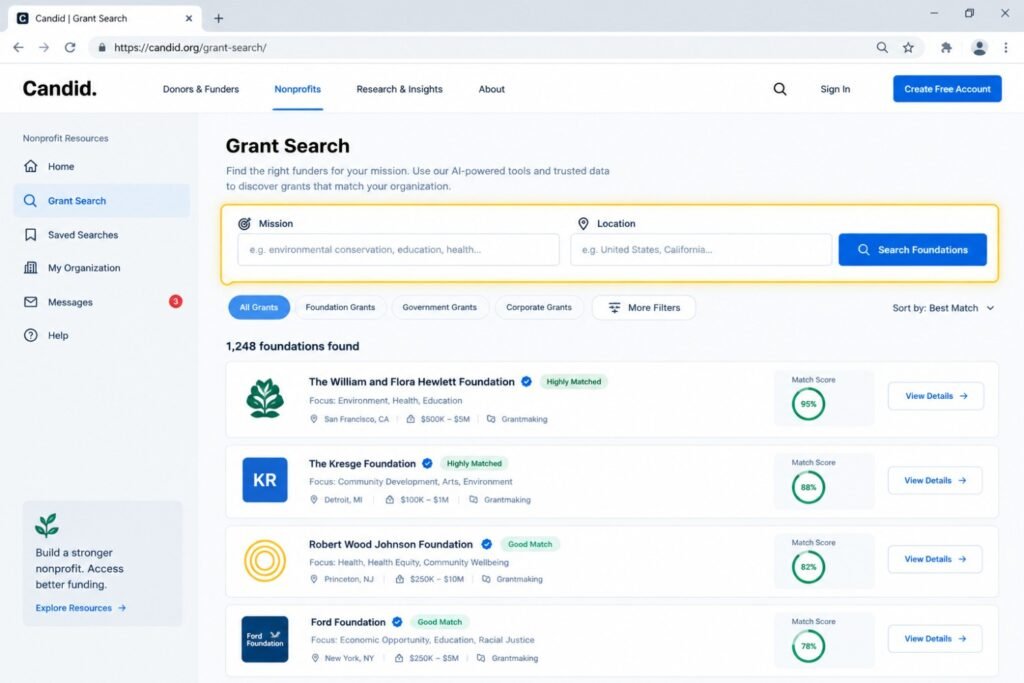
Candid’s Fundraising Assistant
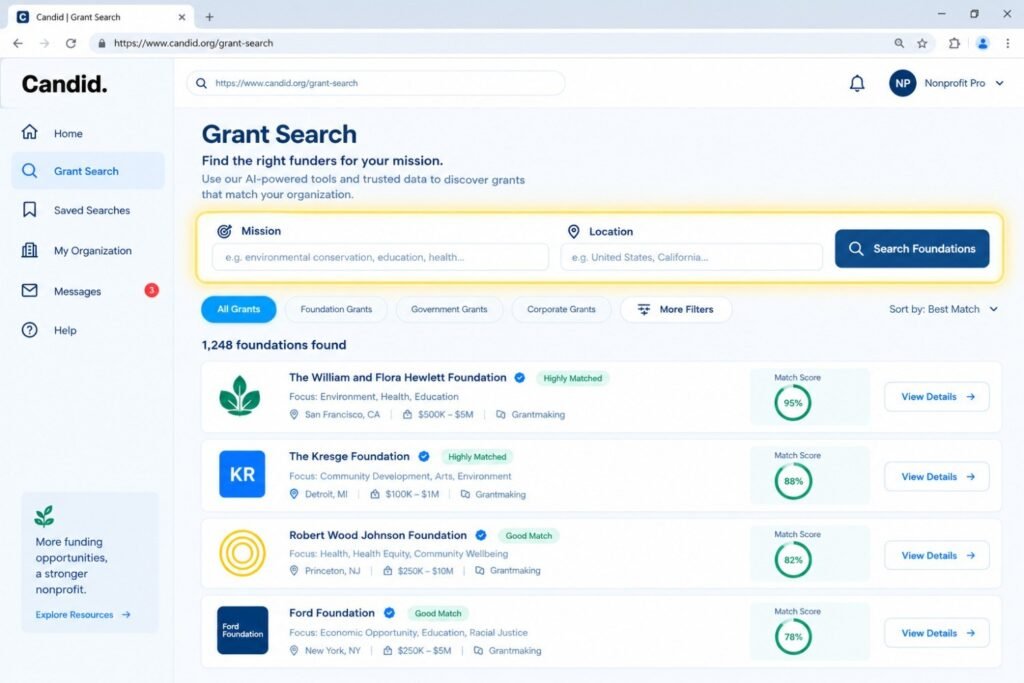
Candid launched this tool in 2026. It helps you find funders, check eligibility, and draft letters of intent. Candid’s guide says every recommendation comes from real grants data. That matters. Regular chatbots can sound confident while being flat wrong.
Real uses from Candid’s own list include:
- Matching your mission to funders
- Finding funders who back peer organizations
- Checking eligibility rules before you apply
- Estimating the right “ask” size
Gemini for Google for Nonprofits
Eligible organizations can activate Workspace for Nonprofits, which Google says includes the Gemini app with enterprise-grade security. It’s a strong starting point if your team already lives in Gmail and Docs.
Microsoft Copilot
If you run on Microsoft 365, Copilot sits inside Word, Excel, and Outlook. Microsoft even offers a free training module on accelerating nonprofit funding with Copilot. Take it before you buy licenses.
Donor Platforms: Bloomerang, Neon CRM, Givebutter
These are your best nonprofit fundraising software options if you need a database, not just a chatbot. They store donor history and trigger follow-ups. Their AI features focus on insights and drafting. Want a deeper look at CRM choices? Our guide to the best AI CRM tools for small business covers the selection logic.
Pro tip: Never choose a platform based on the demo. Ask for a sandbox with your messy data. Demo data is always suspiciously clean.
How Do AI Tools for Nonprofits Help With Grant Writing?
AI speeds up the first draft, the research, and the reformatting. It does not replace your program knowledge or your funder relationships.
Here’s what actually happened in one scenario I’ve seen play out. The details are blended and rounded, but the pattern is real.
The Ohio Literacy Nonprofit Story
A small literacy nonprofit in Columbus, Ohio, had one part-time grant writer. She submitted about 11 proposals a year. Each took roughly 14 hours.
The team started using AI for three jobs only:
- Summarizing funder guidelines into a one-page checklist
- Drafting boilerplate sections (org history, need statement)
- Reformatting one narrative for different funders
Her time per proposal dropped from about 14 hours to about 8. Over a year, that freed roughly 65 hours. She used those hours to call program officers. Submissions rose from 11 to 17. Two small awards came through, totaling $38,000. Here’s the lesson. The win wasn’t the AI. It was what she did with the saved time.
A Prompt That Actually Works
Most people type, “Write a grant proposal.” That gets mush. Try this instead:
“You’re a grant writer for a 12-person youth literacy nonprofit in Ohio. Draft a 150-word need statement using these three facts: [facts]. Tone: warm, specific, no jargon. “Specific inputs give specific outputs. Google’s own guidance echoes this, recommending clear prompts with plenty of context.
The Mistake I See Constantly
A team pasted an AI-written statistic into a proposal. The number didn’t exist anywhere. The funder asked for the source. That’s called a hallucination. It’s embarrassing and avoidable. Always verify every number. Google’s nonprofit guidance calls this the “Check” step in its ACT framework: Ask, Check, Tell.
Can AI Improve Donor Management and Retention?
Yes, when it’s used for segmentation, timing, and personalization, not for replacing real relationships. Giving by individuals is still the largest slice at 64% ($394.2 billion), but its share keeps sliding. Keeping donors you already have is cheaper than finding new ones.
The Texas Animal Rescue Story
Consider a mid-sized animal rescue in Texas with about 3,200 donors. Their year-end appeal went to everyone with the same email. Result: a 1.1% response rate.
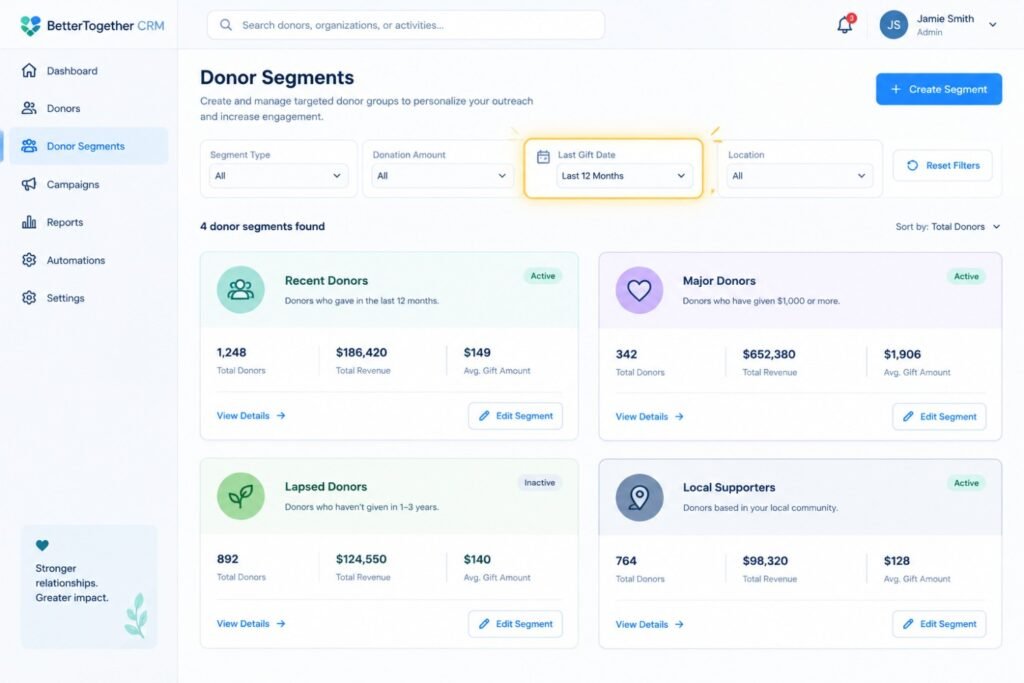
They used AI-assisted segmentation to split the list into four groups:
- First-time donors from the past 12 months
- Repeat donors giving $100 or more
- Lapsed donors (no gift in 18+ months)
- Monthly givers
Then they drafted a different message for each group. Staff edited every one by hand. Here’s what actually happened. Overall response rose to about 2.4%. The lapsed group alone brought back 61 donors. Was every dollar from AI? No. The smarter list logic and the personal edits did the heavy lifting.
What to Automate (and What to Keep Human)
| Automate | Keep Human |
|---|---|
| Thank-you receipts | Major gift conversations |
| Birthday and anniversary notes | Condolence or sensitive messages |
| Lapsed-donor reminders | Final approval on any AI draft |
| Data cleanup and duplicate detection | Decisions about who to approach |
Need to connect these steps without code? Read our breakdown of AI workflow automation for small business.
How Are AI Tools for Nonprofit Communications Changing Outreach?
AI tools for nonprofit communications handle newsletters, social posts, impact stories, and design in minutes instead of hours. Most communications staff at small nonprofits wear five hats. AI helps with the busywork.
Practical uses include:
- Repurposing: Turn one impact story into a newsletter, three social posts, and a donor email.
- Translating: Reach Spanish-speaking communities in Florida or Texas more easily.
- Designing: Canva’s nonprofit program offers design tools for eligible orgs.
- Summarizing: Turn a 40-page annual report into a one-page donor brief.
If you want to sharpen your drafting stack, check our roundup of the best AI writing tools.
Keep Your Voice
Donors can smell generic copy from three inboxes away. Feed the tool two or three of your best past appeals. Tell it to match the tone. Then edit with your own stories. And a light confession: the first time I saw an AI-written thank-you letter, it called a $25 donor “a transformative philanthropic partner.” Nobody talks like that. Edit ruthlessly.
Is It Safe? HIPAA, Donor Privacy, and AI Policies
AI is safe when you control what goes into it. Never paste sensitive personal data into a consumer chatbot.
This section matters most for U.S. nonprofits.
HIPAA and Health-Related Nonprofits
If you run a free clinic, a behavioral health program, or a dental outreach nonprofit, HIPAA may apply. Protected health information must not go into tools without a signed Business Associate Agreement (BAA). Ask every vendor this question directly: “Will you sign a BAA?” If the answer is no, keep patient data out.
Donor and Beneficiary Data
Even when laws don’t strictly apply, donors expect care. Many privacy rules in states like California and Texas exempt nonprofits in some cases. Don’t assume you’re exempt. Ask your attorney.
The Governance Gap
According to the Nonprofit Pro coverage above, nearly half of nonprofits have no formal AI policy. Don’t be one of them.
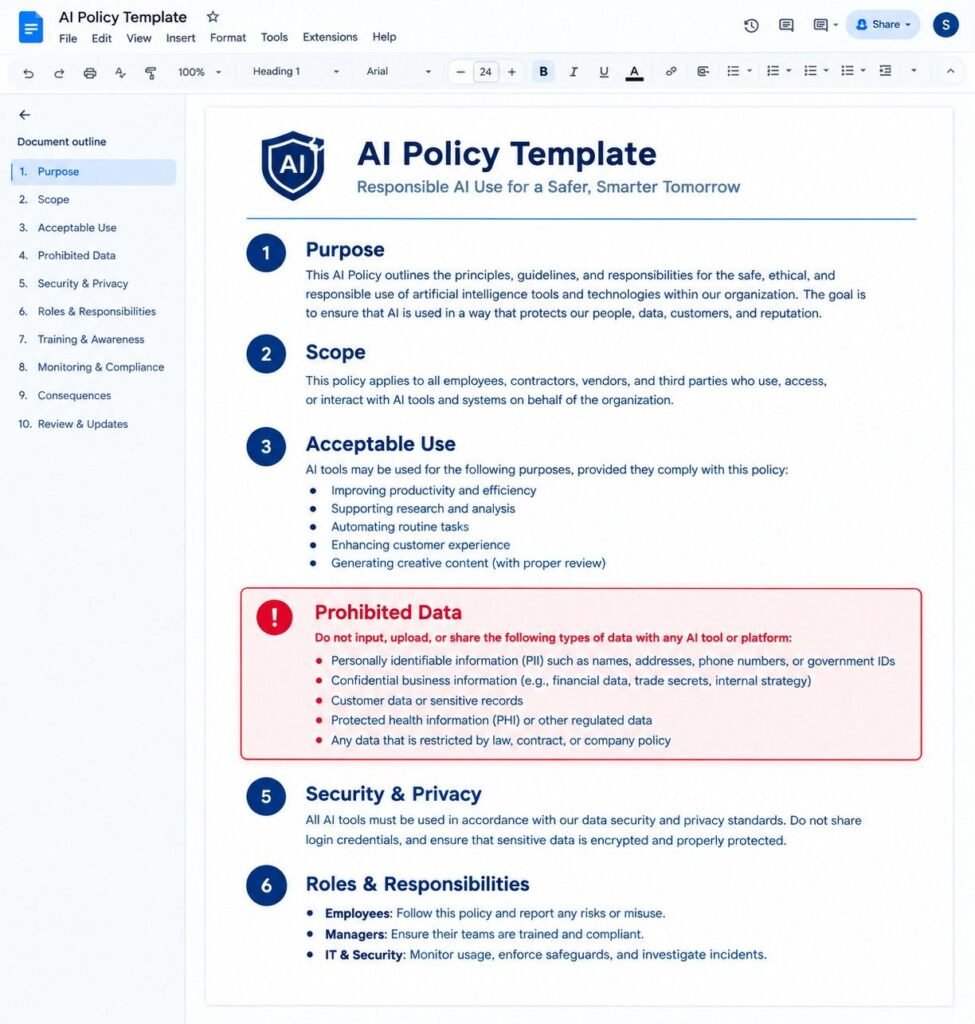
A basic policy fits on one page:
- Which tools are approved
- What data is never allowed in
- Who reviews AI output
- When you disclose AI use to stakeholders
Google’s nonprofit guidance points to Fast Forward’s free Nonprofit AI Policy Builder as a starting point.
What Are the Pros and Cons of AI Tools for Nonprofits?
The upside is time and reach. The downside is accuracy risk, privacy exposure, and wasted subscriptions. Here’s the honest scorecard.
| Pros | Cons |
|---|---|
| Saves 5–10 staff hours weekly on drafting | Can invent facts and statistics |
| Lowers cost versus hiring consultants | Privacy risk with sensitive data |
| Helps small teams compete with larger ones | Generic tone if you skip editing |
| Many tools offer nonprofit discounts | Easy to overspend on unused features |
| Improves donor follow-up consistency | Staff may resist or feel threatened |
| Scales easily as you grow | Needs ongoing governance and training |
Most people get this wrong: they focus only on the left column. Experienced teams plan for the right column on day one.
How Much Do AI Tools for Nonprofits Cost in 2026?
You can start for $0 to $50 per month. A fuller stack for a small team often lands between $200 and $500 per month.
| Tool | Approx. Cost (USD) | Notes |
|---|---|---|
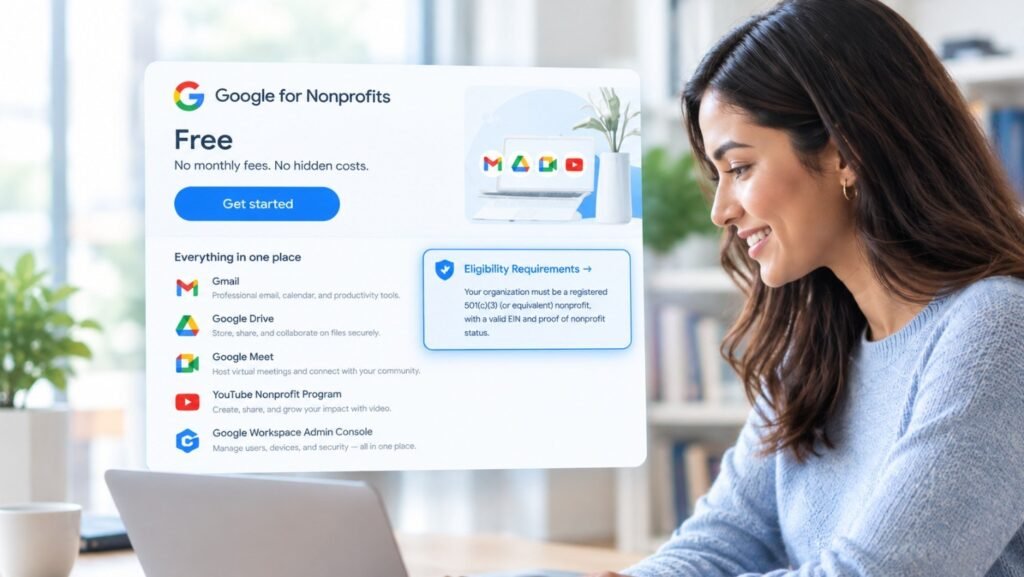
| Gemini via Google for Nonprofits | $0 for eligible orgs | Verify which tier you qualify for |
| Canva for Nonprofits | $0 for eligible orgs | Application required |
| Givebutter | $0 base | Donors may be prompted to tip |
| ChatGPT or Claude (paid) | ~$20 per user monthly | Good for flexible drafting |
| Microsoft Copilot | Discounted, roughly $15–$30 per user monthly | Needs Microsoft 365 |
| Neon CRM | ~$99+ monthly | Scales with records |
| Bloomerang | ~$125+ monthly | Scales with records |
| Instrumentl | ~$180+ monthly | Grant tracking focus |
| Candid fundraising assistant | Included with a Candid search plan | Check current plan pricing |
Always confirm current pricing and nonprofit discounts directly with each vendor.
Pro tip: Ask about annual billing and nonprofit discounts before you sign. Many vendors offer both, but won’t volunteer them.
How Do You Start Using AI Tools for Nonprofits in 30 Days?
Pick one problem, one tool, and one metric. Then expand slowly. Here’s a simple plan.
- Week 1: Audit your time. Track where staff spend hours. Pick the biggest drain.
- Week 1: Draft a one-page AI policy. Cover approved tools and banned data.
- Week 2: Pilot one tool. Choose a free or low-cost option.
- Week 2: Set a baseline. Record how long the task takes now.
- Week 3: Train two people. Give them real tasks, not abstract demos.
- Week 4: Measure. Compare hours, response rates, or proposals submitted.
- Week 4: Decide. Keep, expand, or kill the tool.
Notice what’s missing? A big launch. Big launches fail. Small pilots win.
If you’re a marketing-heavy org, the lessons in our AI tools for marketing agencies guide translate well to nonprofit communications teams.
What Mistakes Should Nonprofits Avoid With AI?
The biggest mistakes are skipping verification, skipping policy, and buying too many tools at once. Here are the ones I see most.
- Buying before diagnosing. A $300 monthly tool won’t fix a broken process.
- Pasting raw donor data into public chatbots. One slip can break trust.
- Publishing AI text unedited. Donors notice. So do funders.
- Ignoring staff fears. People worry about job security. Address it openly.
- Tracking nothing. If you can’t measure hours saved, you can’t defend the budget.
- Expecting overnight magic. Most gains show up after 6–8 weeks of practice.
Lesson learned: The nonprofits that win treat AI like a new volunteer. Helpful, fast, and always supervised.
Can AI write an entire grant proposal for me?
Technically, yes. Practically, please don’t. Funders read hundreds of proposals and spot generic language quickly. Use AI for structure, boilerplate, and first drafts. Then add your real program data, your stories, and your relationship history with the funder.
Do funders care if I use AI?
Policies vary. Some funders welcome it, and some ask for disclosure. Read each application’s guidelines carefully. When in doubt, a short disclosure line builds trust rather than hurting it.
What’s the cheapest useful AI stack for a tiny nonprofit?
For under $50 a month: Gemini through Google for Nonprofits (if eligible), Canva for Nonprofits, and Givebutter’s free base plan. Add one paid chatbot plan only if you outgrow them.
Is it okay to put donor names into ChatGPT?
Avoid it. Use anonymized or segmented data instead. Swap names for placeholders like “Donor A,” then add names back after the draft returns. For health-related data, never use a tool without a BAA.
How do I know if AI is actually working?
Track three numbers: hours saved per task, proposals or appeals sent per quarter, and response or win rate. If hours drop but output doesn’t rise, you’re saving time without using it. That’s the “efficiency plateau” the Virtuous report describes.
Final Thoughts: Your Mission Deserves Your Best Energy
Here’s the honest truth. AI won’t fix a weak mission, a thin donor base, or a burned-out team on its own. But used well, it hands your people back their time. Time to call a program officer. Time to thank a donor personally. Time to go home at a reasonable hour. Remember the numbers. 92% of nonprofits use AI. Only 7% see major impact. The difference is intention. So start small this week. Pick one tool. Set one metric. Write one page of policy. Then build from there. Your mission is too important to be buried under busywork. You’ve got this.
Confused between AI tools? Try our free comparison tool: 👇
Need custom AI automation, chatbot, or integration for your business, medical practice, dental clinic, or app? 👇
AI fundraising tools for nonprofits
AI grant writing tools
AI tools for nonprofits
Best nonprofit fundraising software
Nonprofit donor management software

AI Nexte Editorial Team researches, tests, and reviews AI tools, workflows, and automation platforms for businesses, creators, and professionals. Our content is based on hands-on testing, industry research, feature analysis, and real-world use cases.








No Comments