


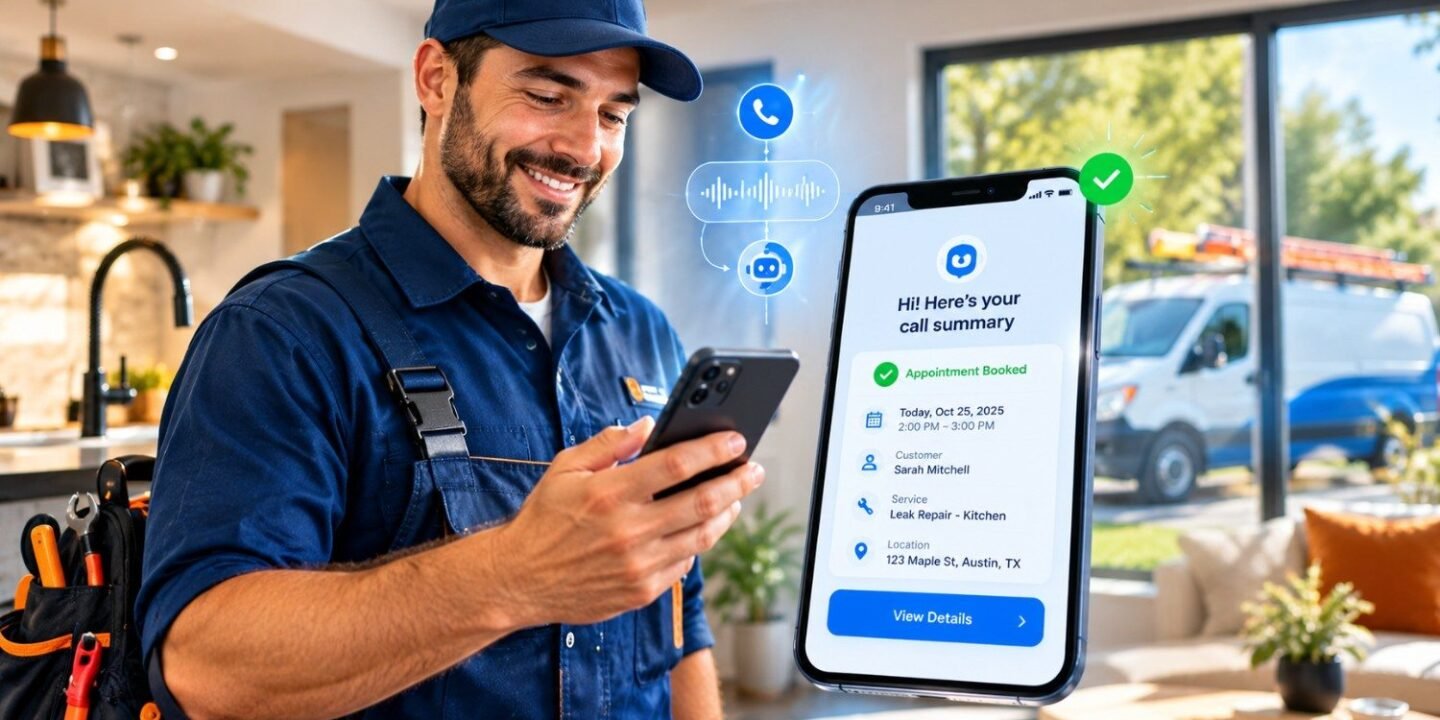
AI phone answering for small business transforms customer communication by picking up every call instantly, 24/7. It answers common questions, books appointments, captures lead details, and hands urgent calls to a human with full context. Most small teams can go live in days. Costs usually run far below a full-time receptionist. Set clear escalation rules and disclose the AI to callers. Your phone rings. You’re under a sink, behind a counter, or on another call. You let it go. “They’ll leave a voicemail,” you tell yourself.
They won’t. Most callers hang up and dial the next business on Google. That one missed call just became your competitor’s job. This guide shows how AI phone answering for small business fixes that problem. You’ll see how it works, what it costs in US dollars, and which legal traps to avoid. You’ll also get real examples, honest pros and cons, and a weekend setup plan. No hype. Just what works.
Why Do Missed Calls Hurt Small Businesses So Much?
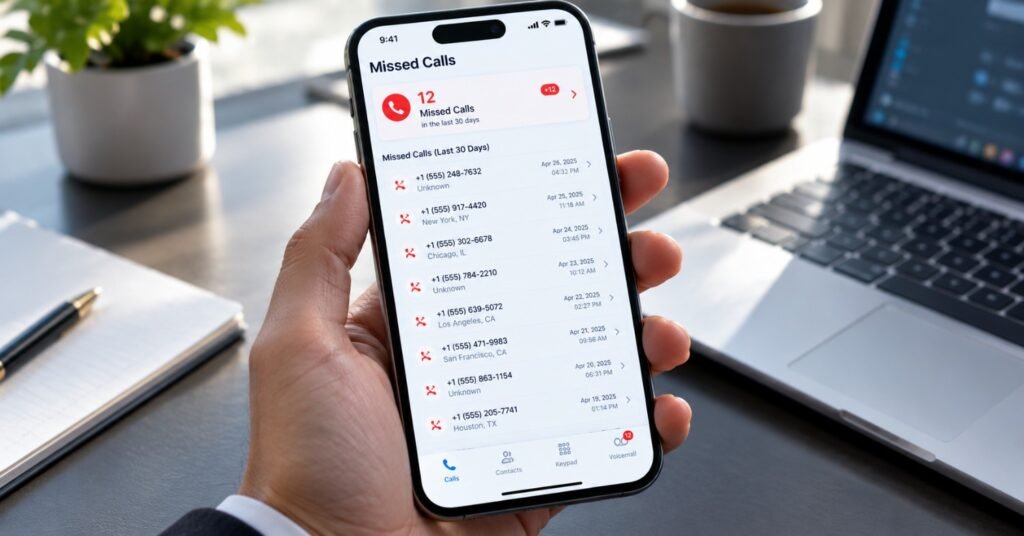
Missed calls hurt because phone callers are usually ready to act. They’re not browsing. They have a leaking pipe, a dead AC unit, or a policy question that needs an answer today. RingCentral reports that about 25% of calls go unanswered because small teams can’t keep up. Once that happens, most customers don’t call back. They move on. Think about what that means. If you get 40 calls a week, roughly 10 may go nowhere. Now put a dollar value on it. Say your average job is worth $350. Ten lost calls weekly, with even half becoming real jobs, equals about $1,750 a week. That’s over $90,000 a year in leaks.
Most people get this wrong: they blame marketing when leads dry up. Often the leads showed up. Nobody answered.
Here’s why calls slip through:
- You’re busy doing the actual work.
- It’s after 5 p.m. or the weekend.
- Your receptionist is out sick or on lunch.
- Three calls hit at once.
- The caller reaches a confusing phone menu and quits.
Voicemail isn’t the safety net you think it is. Many people simply won’t leave a message anymore.
What Is AI Phone Answering, and How Does It Work?
An AI phone agent is software that holds a real conversation on the phone. It listens, understands what the caller wants, and responds in a natural voice. It’s not the old “press 1 for sales” robot. Those menus trap callers when their question doesn’t fit the options. Salesforce explains the process in six steps in its small business AI voice agent guide. Here’s my plain-English version:
- Speech-to-text. The AI turns the caller’s words into text instantly.
- Intent detection. It figures out what the caller needs. Booking? Pricing? Emergency?
- Action. It triggers the right task, like checking your calendar.
- Data lookup. It can pull up past customer records if connected to your CRM.
- Text-to-speech. It answers in a natural voice.
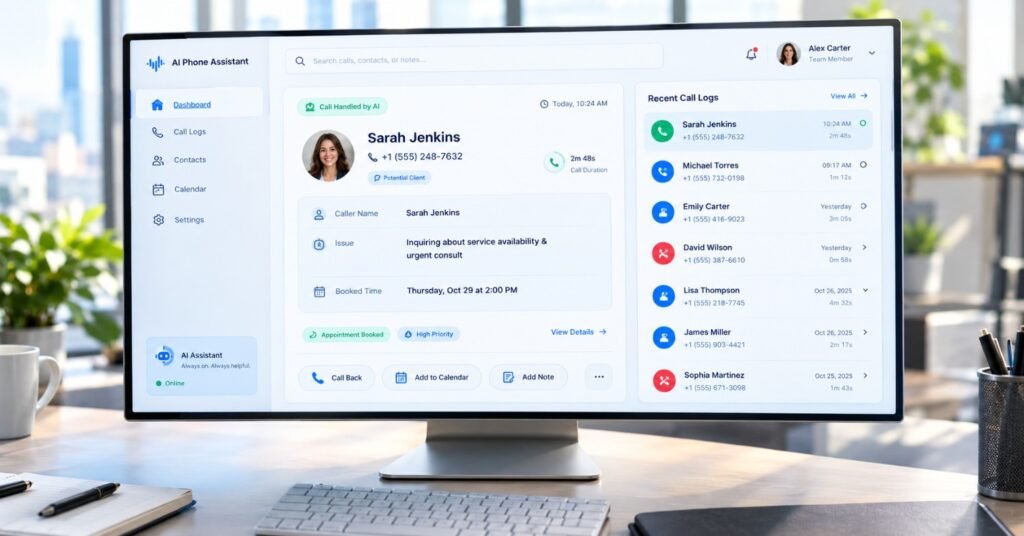
- Human handoff. If needed, it transfers the call with a summary.
That last step matters most. A good system never leaves a caller stuck.
You might be wondering, “Will customers hate talking to a bot?” Honestly, it depends on the setup. A well-tuned agent feels smooth and fast. A badly tuned one feels like a hostage situation. We’ll cover how to avoid that.
What Actually Changes When Every Call Gets Answered?
This is the big question, so let’s answer it directly. AI phone answering changes three things: speed, availability, and consistency. Here’s what that looks like day to day.
It Answers Every Call in Seconds
No hold music. No voicemail jail. The caller gets a response on the first ring or two. Speed wins jobs. A caller who reaches you in seconds rarely keeps shopping around.
It Works Nights, Weekends, and Holidays
Emergencies don’t follow business hours. Burst pipes love Saturday nights. An AI agent covers those hours at no overtime cost. It can triage the call, collect the address, and text you the details.
It Gives the Same Quality Every Time
Humans have bad days. AI doesn’t. It greets every caller the same way. It asks the same screening questions. It never forgets to get a phone number.
It Books Appointments During the Call
The agent checks your calendar and schedules the visit while the caller is still on the line. No phone tag. No “I’ll call you back.”
It Filters Spam and Junk Calls
Robocalls and sales pitches eat your day. An AI agent can screen them out so your team only deals with real customers.
It Hands Off Smartly
When a call is complex or emotional, the AI transfers it. The human gets a quick summary. The caller never repeats themselves. Here’s the real transformation. Your team stops being a call-catching service. They become people who solve problems.
Is an Answering Service for Contractors Worth It With AI?
For most trades, yes. Contractors face the worst version of the missed-call problem. You’re on a roof, in a crawlspace, or elbow-deep in a job. A traditional answering service for contractors uses live human operators. That works, but it’s pricey and often reads from a rigid script. AI gives you a cheaper, always-on alternative. Let me show you how it plays out.
Case 1: The Plumbing Company in Houston
Picture a four-person plumbing crew in the Houston area. The owner handles calls between jobs. He was missing about 12 calls a week, mostly in the evening. He tried a traditional answering service for plumbers. It cost around $380 a month. The operators took messages, but they didn’t book jobs. Callers still hung up and called someone else. Then he switched to an AI agent. It cost about $120 a month. It answered instantly, asked about the problem, flagged emergencies, and booked non-urgent visits straight into his calendar.
Here’s what actually happened over 60 days:
- The AI handled 187 calls.
- It booked 41 jobs on its own.
- It flagged 9 true emergencies, which he took personally.
- Estimated recovered revenue: about $14,000.
He still answered the high-stakes calls himself. The AI just caught everything else.
Lesson learned: Don’t try to replace yourself. Replace the missed calls.
Pro Tip for Trades
Write a short “emergency definition” before you set anything up. For plumbers, that might be active flooding, no water, or sewage backup. Tell the AI exactly which phrases trigger an instant call or text to you. Everything else can wait for a booking.
Which Setup Fits Your Business Best?
You have several options. Here’s how they stack up.
| Feature | Voicemail Only | Google Voice | Live Human Answering Service | AI Phone Answering | Hybrid (AI + Human) |
|---|---|---|---|---|---|
| Answers instantly | No | Partly (routing) | Yes | Yes | Yes |
| 24/7 coverage | Yes (but passive) | Partly | Yes | Yes | Yes |
| Books appointments | No | No | Sometimes | Yes | Yes |
| Handles multiple calls at once | No | No | Limited | Yes | Yes |
| Handles tricky or emotional calls | No | No | Yes | Limited | Yes |
| Typical monthly cost (USD) | $0 | Low per-user fee | $200–$600+ | $50–$300 | $150–$500 |
| Setup effort | None | Low | Low | Low to moderate | Moderate |
| Best for | Hobby businesses | Solo owners | Law, medical, high-touch | Home services, retail, offices | Growing teams |
Cost ranges are rough estimates and change by vendor and call volume. Always confirm current pricing before buying. Google Voice deserves a quick mention. It’s a handy way to get a business number with call routing and voicemail. But it’s mostly a phone line, not a conversational agent. Think of it as a starting point, not the finish line.
What Does AI Phone Answering Cost in the US?
Pricing usually follows one of three models. Here’s what to expect.
| Pricing Model | How It Works | Typical US Range | Good For |
|---|---|---|---|
| Flat monthly subscription | Fixed fee with a set call allowance | $50–$150/month | Low, steady volume |
| Per-minute pricing | Pay for talk time | $0.50–$1.50/minute | Unpredictable volume |
| Tiered business plan | Higher call limits, CRM links, analytics | $150–$400/month | Busy offices, multi-location |
| Live human service (for comparison) | Operators answer for you | $200–$600+/month | High-touch industries |
| Full-time receptionist (for comparison) | Salary plus benefits | $2,800–$4,000+/month | Front-desk-heavy offices |
Run the math for your own shop. If the tool recovers even three jobs a month, it often pays for itself several times over.
Quick tip: Watch out for hidden costs. Ask about overage fees, setup charges, and extra fees for CRM connections. Salesforce’s guide also recommends looking for clear pricing with no surprises at renewal.
What Are the Pros and Cons of AI Phone Answering?
Let’s be honest. It’s not magic. Here’s the balanced view.
| Pros | Cons |
|---|---|
| Answers every call, any hour | Struggles with heavy accents or noisy backgrounds at times |
| Much cheaper than a full-time hire | Can sound impersonal if poorly configured |
| Books appointments instantly | Needs a clean knowledge base to stay accurate |
| Handles several calls at once | Edge-case calls still need a human |
| Gives consistent, polite service | Setup takes planning, not just a click |
| Provides call transcripts and summaries | Legal disclosure rules vary by state |
The cons are manageable. Nearly all of them come down to setup quality, not the technology itself.
Are Small Businesses Actually Adopting This?
Yes, and fast. Salesforce’s State of Service research, cited in its guide, found that 66% of customer service professionals say their organization uses AI agents, up from 39% in 2025. The same guide notes that 70% of teams see measurable value within 60 days. That’s a huge jump in one year. RingCentral shares a real example too. Owen Security Solutions reported that each agent saved about 20 hours a week after adopting an AI receptionist. That’s roughly a 50% cut in time spent on inbound calls. The team used the saved time to triple their outbound calling. Notice the pattern. The win isn’t just answering more calls. It’s freeing people to do higher-value work. If you’re mapping out where else automation fits, check our guide to AI workflow automation for small business. Phone answering is often the first domino.
Which Industries Benefit Most?
Any business that depends on inbound calls can gain. A few stand out in the US market. Home services (plumbers, HVAC, electricians, roofers): Emergency calls and after-hours demand make AI a natural fit. Florida contractors, for example, see call spikes after storms.
Restaurants: Reservation and takeout calls hit during the dinner rush, exactly when staff can’t answer. Our roundup of AI tools for restaurants in the USA covers this in more depth.
Insurance agents: Callers want quotes, claims help, and policy answers. An AI can gather basics and route hot leads fast. See our guide on AI tools for insurance agents for more.
Medical and dental offices: Appointment calls are constant. But HIPAA applies, so choose vendors that sign a Business Associate Agreement. Never assume it’s built in.
Law and professional services: Intake calls matter. The AI can collect details and book consultations, then pass sensitive matters to a human.
Real estate: Buyers call on weekends and evenings. Instant answers can decide who gets the showing.
What Do US Laws Say About AI on the Phone?
This is the part most blogs skip. Please don’t.
Recording consent. Some states, including California and Florida, require all parties to consent to a call recording. If your AI records or transcribes calls, disclose it. Salesforce also notes that consent rules differ by location, so confirm your vendor handles disclosure.
AI disclosure. Tell callers they’re speaking with an AI. It builds trust, and it protects you. A simple line works: “Hi, you’ve reached Mike’s Plumbing. I’m an AI assistant. How can I help?”
Robocall rules. In 2024, the FCC ruled that AI-generated voices count as “artificial” under the Telephone Consumer Protection Act. That matters if you use AI for outbound calls. You generally need proper consent before calling customers with an AI voice. Inbound answering is a much simpler case.
HIPAA. Medical practices need encryption, access controls, and a signed BAA. A vendor saying “HIPAA-ready” isn’t the same as being compliant.
Fresh angle for 2026: Treat your AI phone system like a new employee. It needs a training manual, clear limits, and supervision. Regulators care about who is responsible. You are.
This is general information, not legal advice. Talk to a licensed attorney about your state’s rules.
How Do You Set Up AI Phone Answering in a Weekend?
You don’t need a month. Here’s a realistic plan.
- Friday evening: Audit your calls. Review the past month. Note the top 10 questions callers ask. Count your missed calls.
- Saturday morning: Write your script basics. List your hours, services, service areas, and pricing rules. Keep answers short and clear.
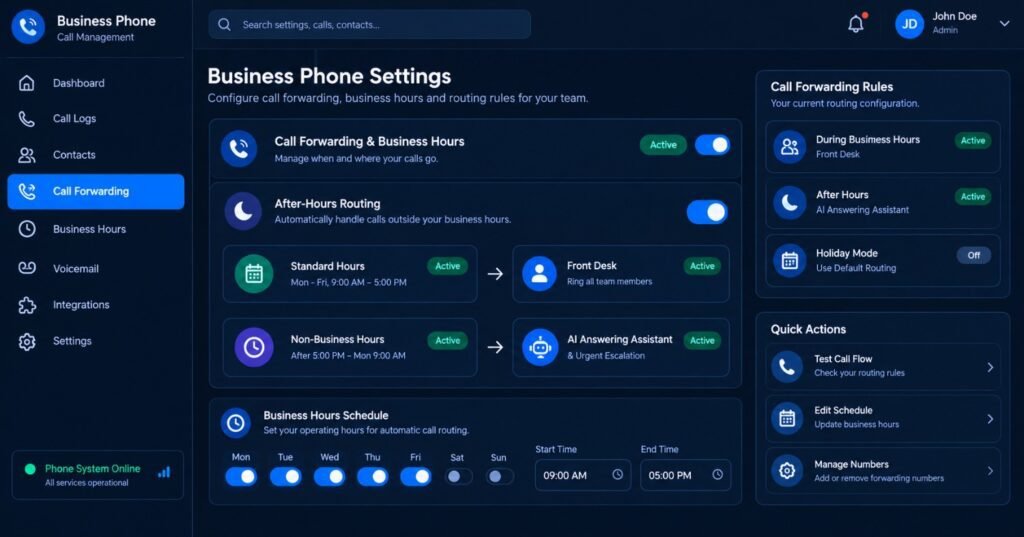
- Saturday midday: Define escalation rules. Decide which calls go straight to a human. Emergencies, angry customers, and VIP clients are good starters.
- Saturday afternoon: Choose a tool. Compare at least three options. Check pricing, calendar links, and CRM support.
- Sunday morning: Connect your calendar and CRM. Test that bookings land in the right place.
- Sunday midday: Run 20 test calls. Call from different phones. Try mumbling. Try interrupting. Try hard questions.
- Sunday evening: Go live with call forwarding. Start with after-hours only. Expand once you trust it.
Pro tip: Record your first 50 live calls and listen to at least 15. You’ll catch awkward phrases fast.
What Mistakes Should You Avoid?
I’ve seen the same errors again and again. Here are the big ones.
Case 2: The HVAC Company in Florida
Imagine a six-person HVAC company in Tampa. They set up an AI agent in a rush. They skipped the escalation rules. During a heat wave, an elderly customer called with a failing AC. The AI treated it like a routine booking and offered an appointment three days out. The customer was upset. She posted a one-star review mentioning “robot service.” The owner lost about two weeks of goodwill before he figured out what happened. The fix took one hour. He added “elderly,” “no cooling,” and “over 90 degrees” as urgent triggers. Urgent calls now ring his cell instantly. Over the next month, he logged 14 emergency transfers and zero complaints.
Lesson learned: Test for the worst-case caller, not the average one.
Other Common Mistakes
- Skipping the AI disclosure. It can break trust and, in some states, rules.
- Feeding it outdated info. Wrong prices or hours make the AI confidently wrong.
- Setting it and forgetting it. Review call summaries weekly.
- Making callers fight through it. Always offer “say ‘agent’ to reach a person.”
- Ignoring the voice. Pick a warm, natural tone that fits your brand. A Texas barbecue joint shouldn’t sound like a bank.
Light humor moment: If your AI tells a caller your business “opens at 25 o’clock,” it’s time to update the knowledge base.
Will AI phone answering make my business feel less personal?
Not if you set it up well. Customers care more about being heard fast than about who answers. Use your brand’s real tone, mention local details, and offer an easy path to a human. Many callers actually prefer instant help over a callback tomorrow.
Can AI phone answering replace my receptionist?
Usually not entirely. It handles routine calls, FAQs, and scheduling well. Salesforce’s own FAQ suggests most small businesses use AI alongside staff, not instead of them. Think of it as your overflow and after-hours team.
What happens when the AI can’t answer a question?
A good system transfers the call to a person with a transcript and summary. If no one is available, it should take a message and promise a callback window. Test this path before launch. It’s the moment that makes or breaks trust.
Does the AI work for non-English speakers?
Many tools support Spanish and other languages. That’s a big deal in states like California, Texas, and Florida, where bilingual callers are common. Test with native speakers before you trust it. Accuracy can vary a lot by accent.
How do I measure whether it’s working?
Track four numbers: answer rate, booked appointments, escalations, and customer complaints. Compare them with your pre-AI baseline. If your answer rate jumps from 75% to over 95%, the tool is doing its job.
Is it safe for sensitive information like credit card numbers?
Be careful. Don’t let the AI collect payment details over the phone unless the vendor clearly supports secure, compliant handling. A smarter move is to send the caller a secure payment link by text.
Final Thoughts: Every Call Is a Customer Waiting
Here’s the bottom line. AI phone answering gives small businesses something they never had: a front desk that never sleeps, never gets overwhelmed, and never forgets to ask for a phone number. It won’t replace your judgment or your personal touch. It protects them. It catches the calls you’d otherwise miss, so you can focus on the work only you can do. If you’re ready, start small. Turn on after-hours coverage first. Write clear escalation rules. Review the summaries each week. Then expand. Your competitors are already answering. The next call that rings could be your best customer this month. Don’t let it ring out. Pick a tool, run your tests, and go live this weekend.
Confused between AI tools? Try our free comparison tool: 👇
Need custom AI automation, chatbot, or integration for your business, medical practice, dental clinic, or app? 👇
AI phone answering
AI receptionist for small business
AI voice agents
answering service for contractors
answering service for plumbers

AI Nexte Editorial Team researches, tests, and reviews AI tools, workflows, and automation platforms for businesses, creators, and professionals. Our content is based on hands-on testing, industry research, feature analysis, and real-world use cases.








No Comments